STATUS
After a THE FINALS Patch: Cheat Checklist
Embark patches balance, maps, and modes. Easy Anti-Cheat updates separately. If you use the finals cheats, treat patch mornings as a status check — not a free queue button.
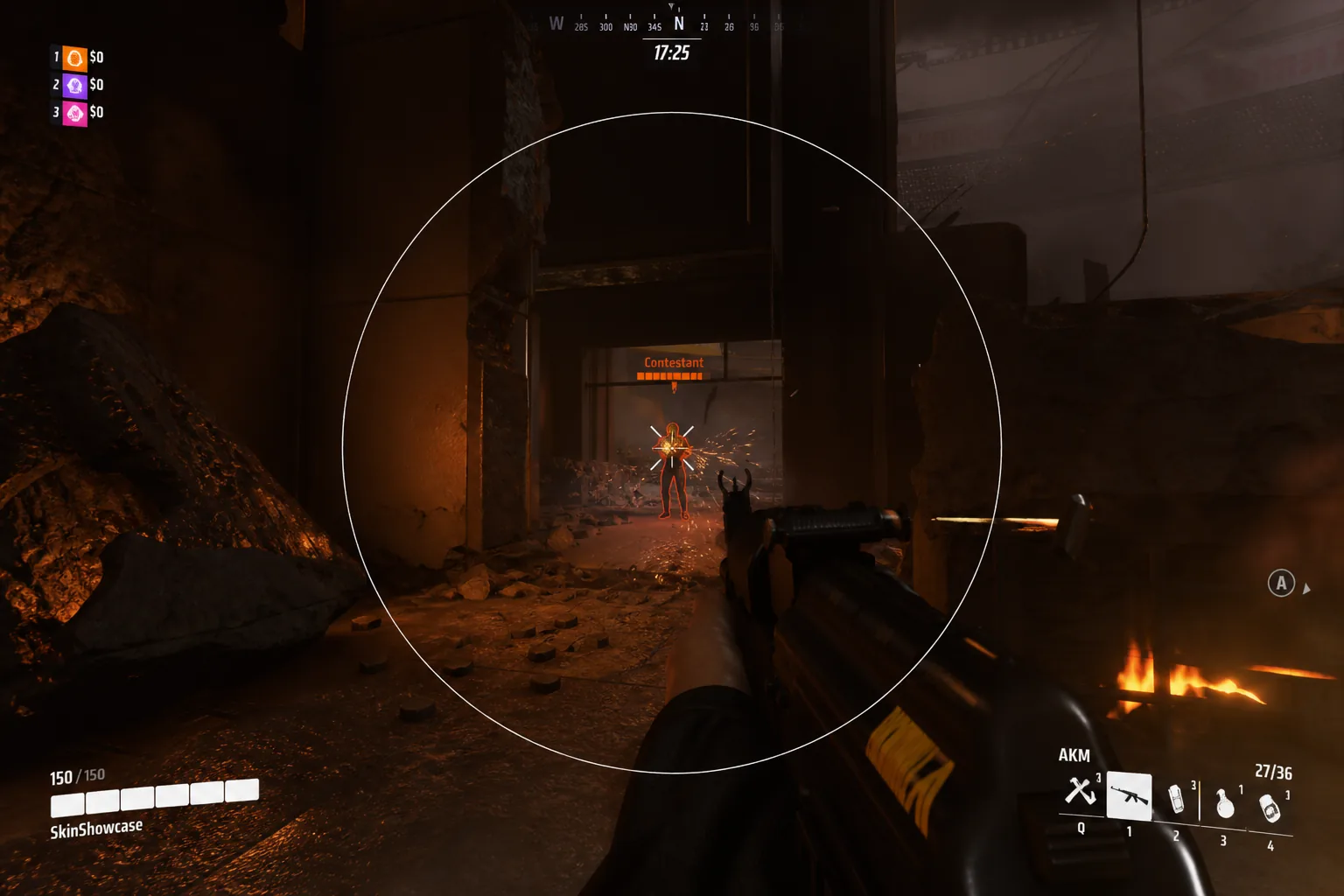
Separate game balance from anti-cheat
THE FINALS patch notes cover weapons, gadgets, and modes. Easy Anti-Cheat updates can break third-party tools even when gameplay feels unchanged. Read both before you launch.
Official notes live on THE FINALS. Our rebuild notes live on Status.
Five-step checklist
One: read THE FINALS patch notes for weapon or class changes that affect your loadout. Two: open Status and wait for a green note if EAC updated. Three: relaunch the loader as admin after a new build. Four: retest ESP categories in a private match. Five: keep soft aim conservative for the first few public games.
If status is quiet for more than a few hours after a major EAC push, wait — do not assume old builds still work.
When gameplay changes affect settings
Weapon recoil or TTK shifts may require new aim profiles. New gadgets can change how much you rely on skeleton ESP. Review aimbot settings after big balance patches.