SETUP
THE FINALS Cheats Setup and Troubleshooting
Most setup issues are admin rights, overlay conflict, or running an old build after a patch. This page covers the common fixes before you email support.
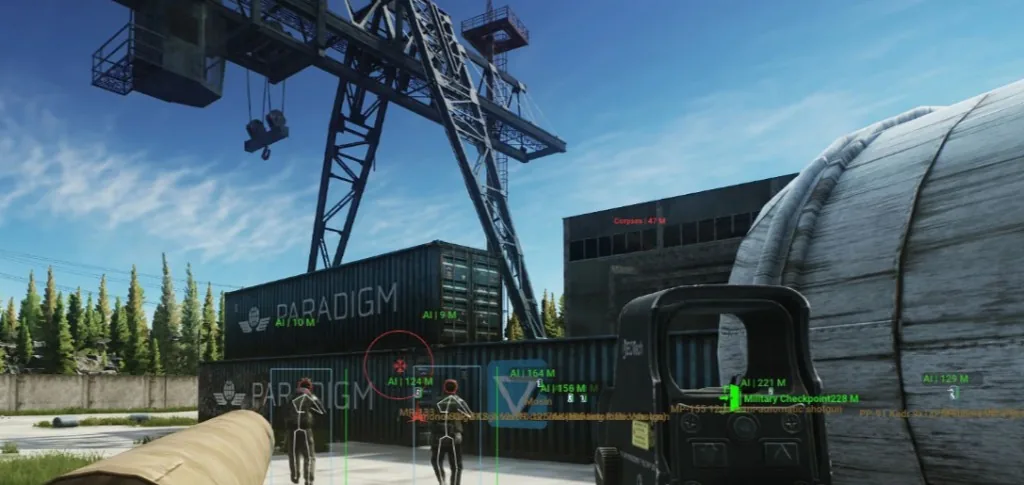
Clean first install
Run the loader as administrator. Disable conflicting overlays from other apps. Add exclusions only if our Setup page says so — random Defender toggles cause more harm than good.
Launch THE FINALS after the cheat menu reports ready. Test ESP in a custom match before ranked Cashout.
ESP or aim not showing
Confirm Status is green after the latest EAC patch. Re-download if your license email links to a new build. Check that categories are enabled in the menu — default profiles sometimes ship with loot filters off.
If frames drop, lower skeleton or box detail before disabling ESP entirely.
When to contact support
Email Support with your order ID, Windows version, and what you already tried. Patch-day tickets spike — include a screenshot of the error if you have one.